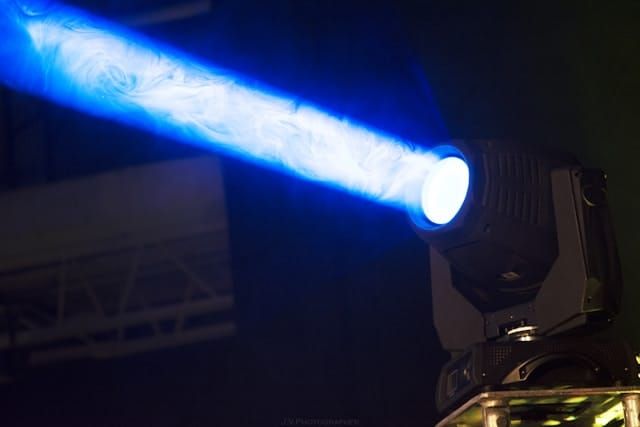
Konva - HTML5 canvas blur & spotlight effect
Based on the learnings from an earlier clip regions article I thought I would cover how to make a spotlight effect since it has been asked for a few times on the discord channel. Here we go...
Based on the learnings from an earlier clip regions article I thought I would cover how to make a spotlight effect since it has been asked for a few times on the discord channel. Here we go...
So what, you grabbed a transformer handle and stretched the rectangle and now you don't understand what gives with the width and height - they didn't change? You can see the freekin size changed but why are the width & height the same as before? Huh ? Ok, lets talk about it.

I needed to make a hole in an image so I took to Google and read up on Canvas and winding. Here's the result...
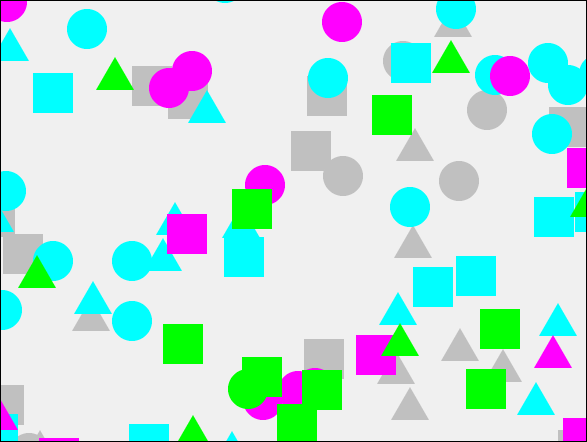
I was working on a minimap component and needed to generate a couple of layers with relatively random shapes - this is what I did...

So there I was, trying to place a new canvas element exactly over a Konva stage, which worked but the scaling was all wrong compared to the Konva output - what gives ?
In this post I'll look at how to rotate and scale a rectangle so that it entirely covers the space it occupied before rotation. This is useful if you ever have to rotate an image without leaving gappy corners.

ClearScript is the C# scripting engine that can execute JavaScript inside a C# context. It's way smarter than that description suggests. But it does not provide a require (think 'code module loader') capability. So how about we make one...

When trying to squeeze every last morsel of optimisation out of a canvas app, we need to be concerned about avoiding drawing anything we don't need to. This means anything that the user cannot possibly see should not be drawn. Lets take a look...