Konva - focus border around a group
We can use a Kova.Transformer to put a temporary frame around grouped shapes, but what if we want the frame to persist? Here's a solution for that...
We can use a Kova.Transformer to put a temporary frame around grouped shapes, but what if we want the frame to persist? Here's a solution for that...
Ever needed to have a rect with alpha applied to the fill bit not the stroke - here's how.
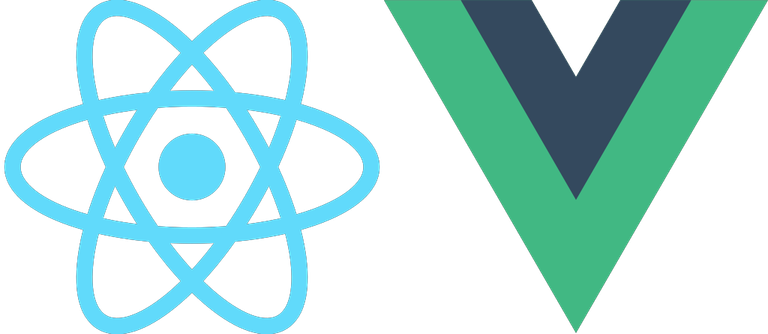
React, Vue and many other libraries use an object model that represents the HTML page DOM. You make changes to the model and a complex engine decides when to update the visual HTML DOM. These engines ONLY update the HTML element or component that changed. But the HTML Canvas is different...
Giving text a block color background with margin and padding is catered for well in CSS but not so easy in Konva where there is nothing as capable as CSS built-in. Here's some code to give you that feature.

Both the Konva Line and Path use a list of points to draw themselves. Someone asked about how to edit the points so I wrote this article and demo to explain...
In this short post I show you how to keep an oversized image inside a framing rectangle whilst allowing the user to position the image within the frame, with no gaps allowed. Here's the approach...

Free-drawn lines can be represented by the Line or Path shapes. Standard UX is that the user moves the pointer and we add a line point at the pointer position in each mouse-move event. But that makes for a lot of points. Can we reduce the number of points and retain the line? Lets see...
Based on the learnings from an earlier clip regions article I thought I would cover how to make a spotlight effect since it has been asked for a few times on the discord channel. Here we go...